
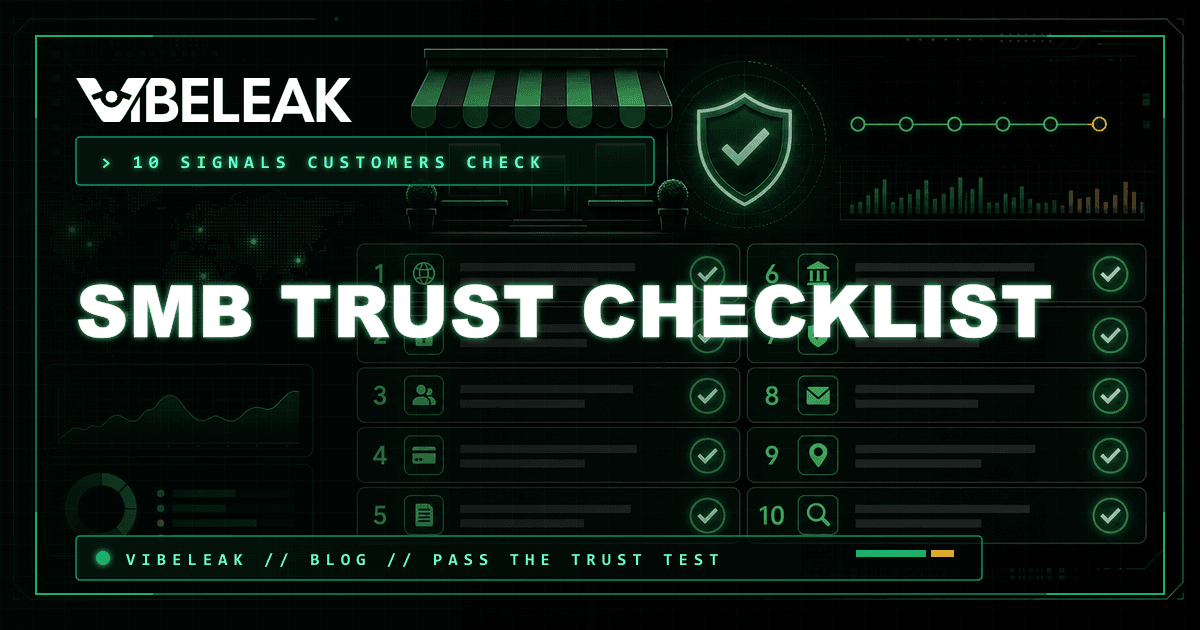
The Small Business Trust Checklist: 10 Things Customers Check Before Buying
A practical checklist for small business owners that maps exactly what customers look for before buying, how to verify each signal, and the single fix that moves the most trust for the least effort.
Mental model
The 30-second trust test happens before your headline loads
Customers do not read your website. They scan it. In the first 30 seconds, their brain is running a pattern-matching pass against every site they have ever visited, abandoned, or trusted. The question they are answering is simple: is this real?
The practical implication
Review count filter
47%
Won't use a business with fewer than 20 reviews.
Review recency
74%
Only care about reviews written within the last three months.
Contact proof
Clear
Phone, physical address, and email make the business easier to verify.
Research note
The list
The 10 trust signals customers check before buying
These are the signals that appear in the first 30 seconds of a visit. They are not all equally weighted — but failing three or more usually ends the visit.
- HTTPS — the browser bar shows the padlock. No padlock, no trust.
- Professional contact page — physical address, phone number, business hours.
- Clear business name and identity — visible in the header, not hidden in a footer.
- Working navigation — no broken links, no 404 pages on core routes.
- Prices and terms — visible before the checkout button, not discoverable only after.
- Return and refund policy — easy to find, easy to understand.
- Social proof — reviews, testimonials, case studies, or trust badges.
- Domain age and registration — not a new domain, not a misspelling of a real brand.
- VibeLeak trust grade — a third-party scan that confirms the site is the verified original.
- Domain ownership verification — the scan is linked to the actual domain registration.
Verification
How to verify each signal
Here is the practical check for each signal — what to look for and how to fix it.
HTTPS
Click the padlock in the browser bar. Confirm the certificate is valid for the current hostname, then remember that encryption is only the floor — not proof the seller is real.
Contact page
Verify that the address is real, the phone number is answered during business hours, and the hours match what the Google Business Profile says.
Business identity
Check that the business name appears in the header on every page — not just the homepage. A logo alone is not enough; the name should be legible as text.
Navigation
Click every item in the primary navigation. Check the footer links. Run a quick crawl with a tool that finds broken links on core routes.
Pricing visibility
Confirm that pricing is visible on the site without a login or a "contact for pricing" barrier. If prices are not published, the customer assumes they cannot afford it.
Refund policy
Find the refund policy. Read it as a customer would. If it is buried, vague, or full of escape clauses, customers read that as a warning sign.
Social proof
Look for at least three concrete social proof elements: named testimonials, review counts, case studies with results, or a trust badge from a recognized provider.
Domain age
Run a WHOIS lookup. A domain registered within 90 days of the site going live is a yellow flag for established businesses. New businesses launching a new domain are exempt from this signal.
VibeLeak trust grade
Run a VibeLeak scan on your own site. The grade tells you what your site looks like from the outside. An A or S grade is a trust signal you can show customers.
Domain ownership verification
Complete the VibeLeak domain ownership verification. This links your scan to your actual domain registration — proving to customers that the scan belongs to your site, not a clone.
Quick wins
The single fix that moves the most trust for the least effort
If you only have time for one thing, fix the contact page. A complete, consistent contact page is the single highest-leverage trust signal for most small business websites.
The contact page audit
- The address on your site should match the address on your Google Business Profile exactly — including suite numbers, abbreviations, and spelling.
- The phone number should be local or toll-free, not a generic VOIP number that looks like a forwarding service.
- Business hours should be specific, not "open 24/7" or "call for hours." Real hours build trust. Fake hours destroy it when a customer calls outside those hours.
- If you share the contact form submission with a personal email, make sure the sender domain matches your business domain — not Gmail or Yahoo.
FAQ
Questions about the trust checklist
The practical answers for small business owners who want to pass the 30-second test.
Do customers really check all 10 of these?
Not consciously. Most of this happens in the first 30 seconds of a visit — a pattern-matching pass that decides whether the site feels real enough to stay on. Businesses that fail three or fewer of these signals usually lose the customer before they read a single product description.
What is the single most important trust signal?
A consistent, professional contact page with a physical address, phone number, and business hours. This is the one signal that customers cross-reference most heavily and that most small business websites underserve. It is also the easiest to fix.
How do I know which signals my site is failing?
Run a VibeLeak scan. The scan covers the technical trust signals — TLS, headers, exposure, AI readiness — and gives you a grade plus a prioritized findings list. Use that as your baseline, then work through the checklist items that are specific to your business and customer relationship.
Next action
Run the scanner against your own site
The article lands hardest when it turns into a fix list. Scan, close the gaps, and recheck.
Continue reading
More field notes
Workflow
Can Hermes Agent Audit a Live Website? Testing VibeLeak MCP End to End
Connect Hermes Agent to VibeLeak MCP, audit a live website, inspect the security boundary, and export agent-ready remediation evidence.
Open articleSecurity
GPT-5.6 Sol + Codex Security: Scan Outside, Fix Inside
Turn a VibeLeak public-surface scan into a structured security handoff for Codex Security and GPT-5.6 Sol to validate and patch.
Open articleWorkflow
AI agents are checking your website now. Here is the VibeSignal readiness checklist
Search is becoming conversational, agentic, and more selective about what it can understand. This is the practical checklist for making your public website easier for AI agents to find, read, use, and verify.
Open article